
Today we will dive deeper into a quite unusual topic for us – Objective-C. Don’t be scared though as what we have got for you is a review of Objective-C to Swift tool.
Full disclaimer: we have recently received a full access to the tool from ObjectiveC2Swift Team! Thanks!
Challenge Accepted!

We all have some big and small legacy projects written in Objective-C, who doesn’t right? That’s why we have felt obliged to try this tool out and share with community how it worked for us.
All that being said I will stay as objective as possible when reviewing the tool in this subjective post. All the good things mentioned in this article are an appraisal to the team for their great job. All bad things are tips to help developers and for the Swiftify Team to make their product even better!
Hang on! Let’s rock!
How to do it?
It’s an online tool. No need to install anything. Code is transmitted securely and is not stored anywhere. Free tier enables you to convert pieces of code up to 2KB. Then there are paid versions that allow you convert whole files and even entire projects. There is also an Xcode plugin. Everything is neat and self- explanatory. No need for any long tutorials.
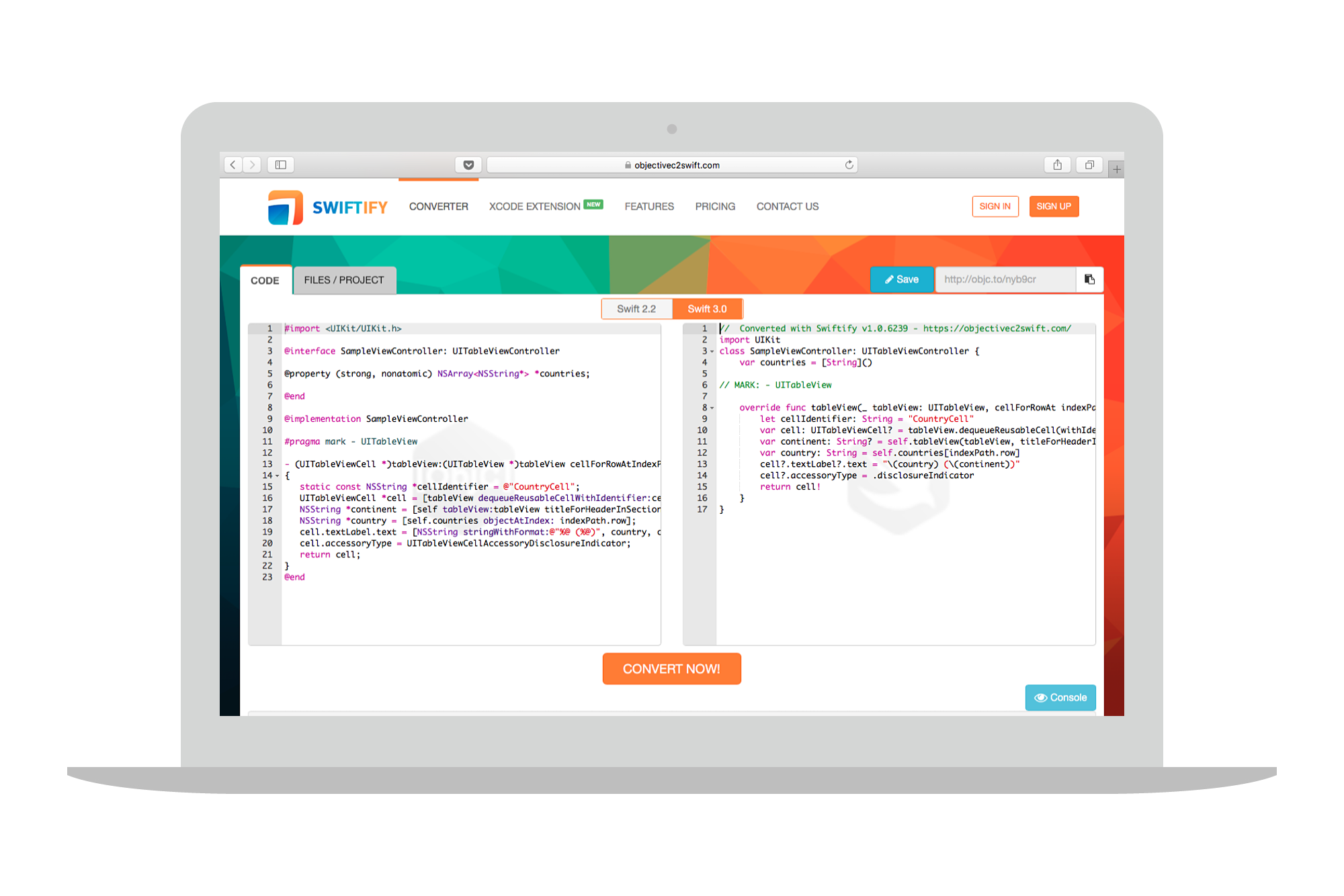
Playground
To make a full use of the license we have received, we have converted an entire project. This is a simple demo app to display the Game of Thrones (referred as GoT) data from Wikia’s API. It has some networking, a model and Masonry (a layout DSL, link in references) as Pod. As an additional difficulty it was a piece of code that I have never seen before. The app is small but uses some very specific patterns like Configurator, Loaders and blocks. Seems just enough to test.
NOTE: Objective-C2Swift converter does not promise a perfect conversion. There is a list of supported Swift and Objective-C features on their page.
Process
I have followed this process to test the tool:
- Zip Objective-C project
- Convert using Swiftify tool
- Unzip converted Swift project
- Fix it until it builds
- Run it
- Fix it until it works
- Run it
- Blog about it 😉
As a result we have a GitHub repository with 3 folders. One with the original Objective-C project, another one with converted project and last one with fixes. You can find a link in references.
Results
My first impression after unzipping converted project was:
Wow, it looks like a perfect Swift Code.
And it quite is one.
Let’s build it!
Ok… 12 errors, not bad. Let’s see what impressed me most and what could be done better.
The good
1. It can get an entire file right
The first file that looked into in the converted project was AppDelegate.swift. It was converted 100% correctly. We can probably expect that for simple and small files. You may notice now, that good architecture and KISS pays off.
Good start.
|
1 2 3 4 5 6 7 8 9 |
// AppDelegate.swift class AppDelegate: UIResponder, UIApplicationDelegate { var window: UIWindow? func application(_ application: UIApplication, didFinishLaunchingWithOptions launchOptions: [UIApplicationLaunchOptionsKey: Any]?) -> Bool { self.window = UIWindow(frame: UIScreen.main.bounds) ... |
2. It gets nullability annotations right
The original GoT Objective-C code was using nullability to support Swift interoperability. It is good to know that our tool converts nullable attributed properties to Swift optionals.
|
1 2 3 4 5 |
// Article.h @property(nonatomic, strong, nullable) NSData *thumbnailData; - (nullable UIImage *)imageFromThumbnailData; |
|
1 2 3 4 5 |
// Article.swift var thumbnailData: Data? func imageFromThumbnailData() -> UIImage? |
3. It handles private (set) well
I would give another plus for translating readonly property attribute into private (set) var.
In the example below, we get both optional and private setter right.
|
1 2 3 4 |
// AsyncLoadConfiguration.h @property(nonatomic, readonly, nullable) NSString *webserviceQuery; |
|
1 2 3 4 |
// AsyncLoadConfiguration.swift private(set) var webserviceQuery: String? |
I was wondering for a while if having let would be a better option here, but quickly reminded myself that there is no such thing as Objective-C const properties . Converter works well enough with Objective-C consts:
|
1 2 3 4 5 6 7 |
// Objective-C const NSString *const MyFirstConstant = @"FirstConstant"; // Swift const let MyFirstConstant: String = "FirstConstant" |
4. Global vars
As ugly using global vars are, they were converted properly!
|
1 2 3 4 5 |
// Article.m static NSString *kArticleIdentifier = @"privateIdentifier"; static NSString *kArticleTitle = @"privateTitle"; |
|
1 2 3 4 5 |
// Article.swift var kArticleIdentifier: String = "privateIdentifier" var kArticleTitle: String = "privateTitle" |
5. Initializers converted to Swifty syntax
It is good to see nice separation of parameters in init functions created from Objective-C initWithXYZ format.
|
1 2 3 4 5 |
// Article.m - (nonnull instancetype)initWithArticle:(nonnull Article *)article favourite:(BOOL)favourite { |
|
1 2 3 4 |
// Article.swift init(article: Article, favourite: Bool) |
6. Makes typealiases from typedef
Might seem pretty straightforward but it is nice to see attention to such details.
|
1 2 3 4 5 6 7 |
// DataSource.h typedef void (^CellConfigureBlock)(UITableViewCell *_Nonnull cell, NSIndexPath *_Nonnull indexPath, id _Nonnull item); |
|
1 2 3 4 |
// DataSource.swift typealias CellConfigureBlock = (_ cell: UITableViewCell, _ indexPath: IndexPath, _ item: Any) -> Void |
7. GCD
Although GCD is a framework not a part of Swift language it was converted properly.
|
1 2 3 4 5 6 |
// DataSource.m dispatch_async(dispatch_get_main_queue(), ^{ [self.tableView reloadData]; }); |
|
1 2 3 4 5 6 |
// DataSource.swift DispatchQueue.main.async(execute: {() -> Void in self.tableView.reloadData() }) |
8. Pods were untouched
I have uploaded the zipped GoT project including fetched Pods directory. Luckily it was not touched at all and left in its Objective-C form.
9. Awkward calls to Masonry library were almost perfectly transformed
The GoT project uses Masonry for autolayout purposes. Even in Objective-C Masonry calls felt weird. Having Masonry in Swift project (while SnapKit is available) is even weirder. To make fixes I had to take a look at sample repository Swift-Masonry to make it work.
Kudos for converter for taking it that far!
|
1 2 3 4 5 6 7 8 |
// DetailsViewController.m [self.imageView mas_makeConstraints:^(MASConstraintMaker *make) { make.centerX.equalTo(self.imageView.superview); make.top.equalTo(self.imageView.superview).offset(10); make.width.height.equalTo(@100); }]; |
|
1 2 3 4 5 6 7 8 |
// DetailsViewController.swift self.imageView?.mas_makeConstraints({(_ make: MASConstraintMaker) -> Void in make.centerX.equalTo(self.imageView?.superview) make.top.equalTo(self.imageView?.superview?)?.offset(10) make.width.height.equalTo(100) }) |
|
1 2 3 4 5 6 7 8 |
// DetailsViewController.swift - after fixes _ = self.imageView?.mas_makeConstraints({(make: MASConstraintMaker?) -> Void in _ = make?.centerX.equalTo()(self.imageView?.superview) _ = make?.top.equalTo()(self.imageView?.superview)?.offset()(10) _ = make?.width.height().equalTo()(100) }) |
10. Deals very well with simple files of moderate size
This one is to echo the AppDelegate one. Custom FavouriteTableViewCell was almost perfectly converted (apart from crazy Masonry stuff and dispatch_once). This file is larger (100 lines) than AppDelegate and still converted nicely.
11. Do-catch, try support
Do-catch error handling is supported. Some APIs became throwing APIs in Swift and converter wraps it in do-catch, try statement. On the little con side it rendered one these for me in an incomplete state.
It’s probably too much to ask, so just note what may happen:
|
1 2 3 4 5 6 7 8 |
// Data+JSON.m - (id)JSONObject { return [NSJSONSerialization JSONObjectWithData:self options:NSJSONReadingAllowFragments error:nil]; } |
In swift JSONSerialization is a throwing API. It was wrapped in this way.
|
1 2 3 4 5 6 7 8 9 |
func jsonObject() -> Any { do { return try JSONSerialization.jsonObject(withData: self, options: NSJSONReadingAllowFragments)! } catch { } } |
All in all, this went into positive side.
The could be better
Now let’s see what may go wrong. It is not written to condemn creators of this awesome tool. Treat it as tips.
Update 24/03/2017: Look into comments. Swiftify team was working hard to address issues mentioned below.
1. An entire method may disappear
This goes as number one as I was not expecting that when converter trips over at one of early lines it may swallow the entire method. 41 lines of code were turned into merely 3 and the rest was thrown outside of class scope in broken pieces:
|
1 2 3 4 5 6 7 8 9 10 11 12 13 14 15 |
// MainViewController.m - (void)loadTableView { static dispatch_once_t onceToken; dispatch_once(&onceToken, ^{ self.tableView = [[UITableView alloc] initWithFrame:CGRectZero style:UITableViewStylePlain]; self.tableView.dataSource = self.dataSource; self.tableView.delegate = self; [self.tableView registerClass:[FavouriteTableViewCell class] forCellReuseIdentifier:self.dataSource.cellReuseIdentifier]; [self.view addSubview:self.tableView]; ... // 40 lines in total |
|
1 2 3 4 5 6 7 8 9 10 |
// MainViewController.swift func loadTableView() { var onceToken: dispatch_once_t dispatch_once onceToken } |
2. This nasty ‘abstract’ word
Somehow the word ‘abstract’ that was used throughout the GoT project as a variable name (property in model) or an initializer parameter caused many troubles to the converter. Funny enough neither Objective-C nor Swift have ‘abstract’ keyword.
Could be some internal implementation detail.
|
1 2 3 4 5 6 7 8 9 |
// Article.h @property(nonatomic, readonly, nonnull) NSString *abstract; - (nonnull instancetype)initWithIdentifier:(nonnull NSString *)identifier title:(nonnull NSString *)title abstract:(nonnull NSString *)abstract urlString:(nonnull NSString *)urlString thumbnailURLString:(nonnull NSString *)thumbnailURLString; |
|
1 2 3 4 5 6 7 8 9 10 11 12 13 14 15 16 |
// Article.swift private(set) var: String = "" // this is in place of property ... override init(identifier: String, title: String, urlString: String, urlString: String, thumbnailURLString: String) // look at doubled urlString param ... override func abstract() -> String { // this is added somewhere in code return self.privateAbstract } |
3. Long inits with blocks not translated correctly
Another problem occurred with long init with block parameter. This piece of code gave a really hard time to the converter. Take a look at it:
|
1 2 3 4 5 6 7 8 9 10 11 12 13 14 15 16 |
// AsyncLoadConfiguration.m - (nonnull instancetype) initWithResponseParsingBlock: (nonnull id _Nullable (^)(NSData *_Nonnull result))block webserviceEndpoint:(nonnull NSString *)endpoint webserviceQuery:(nullable NSString *)query { self = [super init]; if (self) { self.parsingBlock = block; self.endpoint = endpoint; self.query = query; } return self; } |
|
1 2 3 4 5 6 7 8 9 10 11 12 13 14 15 16 17 18 19 20 21 22 |
// AsyncLoadConfiguration.swift override init(responseParsingBlock Nullable: Any) { block (endpoint as? String) (query as? String) do { super.init() self.parsingBlock = block self.endpoint = endpoint self.query = query } var: ((_ Nonnul: Data) -> Any)? responseParsingBlock do { return self.parsingBlock } ... |
When trying to reproduce this in the Swiftify web tool I have found that there is a tiny console that shows all lexer, parser and converter messages. In the case of our unfortunate and weird initializer, it showed:
|
1 2 3 4 5 6 7 8 9 10 |
Lexer and Parser messages: (unknown): (3:12) Missing RP at '_Nullable' (unknown): (3:50) Mismatched input ')' (unknown): (13:1) Missing '}' at 'EOF' Converter messages: (unknown): (3:51) Unable to convert: <missing '{'> (unknown): (13:0) Unable to convert: <missing '}'> |
4. Problems when calling complex inits with blocks
This point is related to previous one. Trying to call such a complex initializer resulted in similarly broken code.
5. Unnecessary overrides
In many places throughout the code there were unnecessary override keywords.
|
1 2 3 4 5 6 7 8 9 10 11 12 13 |
// DataSource.m - (nonnull instancetype) initWithCellConfigureBlock:(nullable CellConfigureBlock)configureBlock cellReuseIdentifier:(nonnull NSString *)reuseIdentifier - (void)addItems:(nonnull NSArray *)items - (NSInteger)tableView:(UITableView *)tableView numberOfRowsInSection:(NSInteger)section |
|
1 2 3 4 5 6 7 8 9 |
// DataSource.swift override init(cellConfigureBlock configureBlock: CellConfigureBlock?, cellReuseIdentifier reuseIdentifier: String) override func addItems(_ items: [Any]) override func tableView(_ tableView: UITableView, numberOfRowsInSection section: Int) -> Int |
6. Propagates self to method calls
While this is a safe option it is usually completely unnecessary and redundant piece. Still, better working code than optimized and broken.
|
1 2 3 4 5 6 7 8 |
// ArticleRepository.m - (void)saveFavouriteArticle:(nonnull Article *)article { [self.articles addObject:article]; [self saveFavouriteArticlesToDefaults]; } |
|
1 2 3 4 5 6 7 8 |
// ArticleRepository.swift func saveFavouriteArticle(_ article: Article) { self.articles.append(article) self.saveFavouriteArticlesToDefaults() } |
7. Nil comparisons
Some Objective-C patterns are sometimes not converted properly to Swift. That’s not a big deal though. Take a look at nil comparison:
|
1 2 3 4 5 6 |
// ArticlesRepository.m if (!set) { set = [[NSMutableSet alloc] init]; } |
|
1 2 3 4 5 6 |
// ArticlesRepository.swift if set.isEmpty { set = Set<AnyHashable>() } |
- To be fair it works in simpler cases:
|
1 2 3 4 5 6 |
// Objective-C if (item) { self.cellConfigureBlock(cell, indexPath, item); } |
|
1 2 3 4 5 6 7 |
// Swift if item != nil { self.cellConfigureBlock(cell, indexPath, item) } |
9. Problematic dispatch_once calls
I do not know why, but I was expecting to have it converted when I saw GCD converted properly. The dispatch_once calls have no equivalent in Swift and should be rewritten into some form of lazy vars:
|
1 2 3 |
DISPATCH_SWIFT3_UNAVAILABLE("Use lazily initialized globals instead") |
The converter took no attempt to translate this call:
|
1 2 3 4 5 6 7 8 9 10 |
+ (UIImage *)avatarImage { static UIImage *avatarImage; static dispatch_once_t onceToken; dispatch_once(&onceToken, ^{ avatarImage = [UIImage imageNamed:@"avatar"]; }); return avatarImage; } |
|
1 2 3 4 5 6 7 8 9 10 |
class func avatarImage() -> UIImage { var avatarImage: UIImage? var onceToken: dispatch_once_t dispatch_once(onceToken, {() -> Void in avatarImage = UIImage(named: "avatar") }) return avatarImage! } |
10. Some changes in APIs are not picked yet.
Swift 3 imposes new style of writing. It affected many APIs and made them shorter. I have noticed that converter is not picking that up.
|
1 2 3 4 |
// DetailsViewController.m self.abstractTextView.editable = NO; |
|
1 2 3 4 5 |
// DetailsViewController.swift // Should be 'isEditable' self.abstractTextView.editable = false |
|
1 2 3 4 |
// Article.m [aCoder encodeObject:self.privateIdentifier forKey:kArticleIdentifier]; |
|
1 2 3 4 5 6 |
// Article.swift // Should be just 'encode' aCoder.encodeObject(self.privateIdentifier, forKey: kArticleIdentifier) |
While looking into code we could probably find some more tiny wins and losses. But this trip was long already!
Process Step no 6: Fix it until it works
At this point of my process I was mostly working on strong typing of Set‘s and Array‘s so that everything was more type-safe and Swifty. Other tasks included handling optionals with guard let‘s and similar. It really didn’t take too much time until app was building and running correctly. Neat!
One last shot
As you may notice project had properties and parameters marked with nullable and nonnull attributes that are there to help conversion to Swift optionals.
There is one more feature introduced in Xcode7 that I wanted to give a try and that was not in our sample project: Objective-C Lightweight Generics.
Let’s jump directly into Objective-C code and code converted using online tool:
|
1 2 3 4 5 6 7 |
@property NSArray<NSDate *> *dates; @property NSCache<NSObject *, id<NSDiscardableContent>> *cachedData; @property NSDictionary <NSString *, NSArray<NSLocale *>> *supportedLocales; |
|
1 2 3 4 5 6 7 |
var dates = [Date]() var cachedData: NSCache<NSObject, NSDiscardableContent>! var supportedLocales = [String: [NSLocale]]() |
Looks good to me. Good job Swiftify!
Summary
All in all I am very impressed with the results I was able to achieve using Swiftify to convert the entire project. There are few flaws but most of them are minor. They are picked by compiler and can be self-corrected quickly.
Clearly the fact that the project is building does not mean you are at home. There is still a high probability of runtime errors as the languages are very different. It is necessary to stay focused and analyze the results but all the tedious work and hours of typing are done for you! Now I just wonder whether unit tests could help in this converted project.
I have to admit that this project has a lot of unusual solutions. But only in this way we could get to the limits of the tool and give you some valuable tips and feedback.
Update 09/09/2018
It’s been more than a year since this review was created. If you are interested in converting Objective-C codebases into Swift you can follow up with this article from Swiftify.
Great article and an interesting piece of a software!
However, could you recommend this kind of tool for a full project conversion? If migration from Obj-C to Swift is done manually, the outcome is often much shorter, simpler and safer (also because moving the old Obj-C codebase to a newer version of the SDK). If there is no time for manual migration and improvements, probably there is also no time for checking the whole converted project for potential bugs which, in my opinion, can be very time consuming. Additionaly Swiftify is not a cheap solution.
On the other hand it seems to be the perfect tool for converting Obj-C snippets from the stack overflow and use them natively in our Swift project 🙂
Hi Darek,
for the most part you have answered yourself 🙂 I definitely recommend the tool to do snippets conversion, even entire files. I would risk to recommend it to small projects where you know code well too. There is nothing stopping you from removing pieces of code after conversion. It frees developers from tedious typing easy stuff. Hard stuff has to be rethought anyway.
With the big projects, might be bigger than rewrite, especially if you want to redesign architecture and patterns which is most bigger projects need after some time. Even then the tool is useful to convert simple files or snippets and you would just do final Swifty fixes.
Cheers
Michał
The best approach I’ve seen undertaken by larger companies is making it a rule of thumb to write any *new code* for a (formely Obj-C) project in Swift.
Xcode offers great interoperability between Obj-C and Swift out of the box.
Thus if a developer needs to change e.g. a View Controller class, remove corresponding Objective-C files and replace them with Swift versions (you can still use Swiftify for that, Xcode extension comes in handy here).
Just wanted to say “thanks” again to the swifting.io team for the review!
We have been working hard this month to specifically address all issues found in this review, and now we got everything in “the could be better” section covered!
We do continue to work on the most considerable improvements, such as:
– Auto-detection between let and var declarations;
– Support for public vs private accessors depending on the scope;
– Using Apple SourceKit to precisely import Obj-C to Swift method mappings.
Any feedback or suggestions on what else should we prioritize are definitely welcome!
Almost 2 years later..
Now even the most sophisticated issues have been addressed!
dispatch_once()calls are now being precisely translated to a static variable initialization:http://swiftify.me/4e6eaq